How To Pack a TV for Moving

a couple packs a TV into their car in the upright position to prevent damage

Moving with a TV can be intimidating, especially if you have an old-school tube TV or a very large flat screen. The heavy weight, large size, and unique shape of these (and most other) TVs mean they probably won't fit in your typical moving boxes.

Our packing experts are here to explain how to protect your TV from scratches, electrical damage, and cracks. We'll guide you on how to pack a TV for your move safely — whether you're transporting personal belongings or hiring a moving company.

Last updated: Jan 16, 20266 min read
Kevin The Mover
Written byKevin The Mover

Key Takeaways

  • TVs are fragile, awkward, and expensive: proper packing is essential to avoid screen cracks or pixel damage
  • Use the original box if you still have it; otherwise buy a TV-specific moving box with foam inserts
  • Disconnect and bag all cables and remotes, then wrap the TV in a moving blanket and tape it secure (never directly on the screen)
  • Transport upright, never flat: laying a flat-screen TV face-up or face-down can crack the panel during shifts in transit
  • Secure in the truck: against a flat wall, between cushioned items, with a strap if available
Kevin The Mover
Author

Kevin The Mover

Kevin Kato is a travel and home services writer with over 20 years of experience as a professional mover.

Having been both a professional mover and a crew leader, Kevin has seen it all in the world of moving: hectic moves, unique packing, bizarre accident claims, truck mishaps, or just run-of-the-mill moves as advertised; there is virtually no situation Kevin hasn't managed. Today, Kevin provides his insights as Kevin The Mover for professional movers and "movees" everywhere.

Supplies Needed to Pack a TV Safely

The supplies you’ll need vary depending on your TV’s size and weight, but here’s what we find typically works best:

Packing materials for protection:

  • TV Box (original or moving box): If you don't have the box your TV came in, you may be able to find a similar-sized box at Home Depot or U-Haul.
  • Bubble wrap: Cushion your television with multiple layers of bubble wrap so the screen doesn't break during transit.
  • Packing paper or packing peanuts: Fill empty spaces in your TV box so the TV doesn't move around.
  • Moving blankets: If you aren't using a box, cover your TV with moving blankets to prevent scratches. Stock up on stretch wrap to hold the blankets in place.
  • Edge protectors: Apply these foam pieces on the corners of your flat-screen TV for shock absorption and impact protection.
  • TV cover (optional but helpful): A foam flat-screen TV cover or antistatic TV cover can help protect the screen during a move.

Tools and accessories for organization:

  • Plastic storage bags or a small container: Pack remote controls, cords, and cables in a separate bag or box so they don't get damaged during the move. Make sure to label it, or (if using a bag) tape it to the TV’s box.
  • Packing tape: This is used to seal the box closed and to secure bubble wrap or other packing material around your TV.
  • Scissors or box cutter: Use these to cut tape, bubble wrap, and to unseal the box when you’re ready to unpack.
  • Permanent marker: Used for labeling. Make sure you write the labels on multiple sides of the box so it’s visible no matter where the TV is placed in the moving truck.

Step-By-Step Guide for Packing a TV

We’ve put together a clear, step-by-step guide so you can learn how to pack your TV like a pro. Whether it’s a flat screen or an older model, these tips will show you how to protect your TV—and all its accessories—so everything arrives safely.

Step 1: Clean Your TV

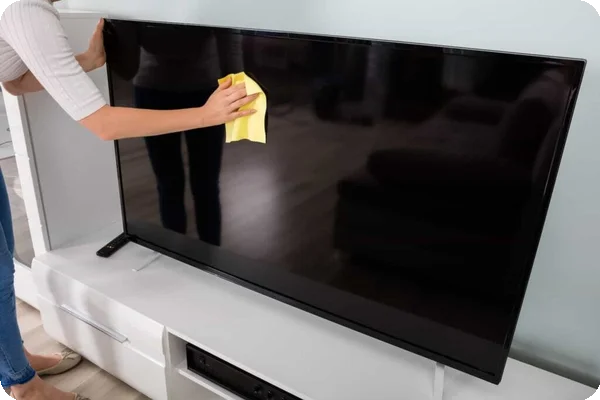
A person cleans the screen of a large flatscreen tv with a yellow microfiber cloth

Dust and debris may not cause a problem while your TV is mounted or on a shelf. However, these tiny particles can cause scratches if they're pressed or rubbed against the screen. This can happen if your TV is dirty when you nestle it in bubble wrap or foam.

Check your owner's manual for instructions on cleaning your TV. You can typically use a microfiber cloth and a gentle electronic cleaning spray.

Step 2: Remove Parts and Accessories

Unplug cords and cables from your TV before packing it. These items will go in plastic bags, small cardboard boxes, or storage bins. You may also need to take off the TV stand or legs.

Remember to remove your Roku or other streaming device from the TV and pack your remote control separately, and be sure to clearly label any boxes and bags these accessories go into. You don’t want to waste time digging through boxes blindly for the remote or stand at your new place.

Step 3: Protect Your TV

Your screen is the most delicate part of your TV, so treat it with care. Now's the time to apply your antistatic screen protector or other screen cover if you're using one. You can also apply foam edge protectors.

"...your flat-screen TV should never lie flat. Place your TV upright in the moving truck, as setting it flat can put excessive pressure on the screen, which can cause it to crack or shatter."

After you protect the screen, apply thick layers of bubble wrap over your TV. Pull the bubble wrap from one side to the other, and then secure it with packing tape. You can also cover your TV with moving blankets and secure them with stretch wrap. Avoid getting tape directly on your television, as it may damage the screen or other parts.

Step 4: Place Your TV in a Box

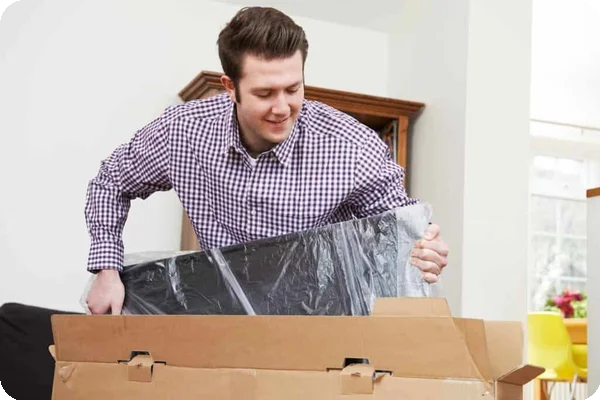
A man puts a tv with a screen protector into a box

Gently slide your bubble-wrapped or foam-covered TV into a moving box. Ask someone to hold the box in place while you slide the TV inside. If the TV is bulky or heavy, you may also need help lifting it.

Fill gaps in the box with additional bubble wrap, packing paper, or packing peanuts. Make sure the TV is snug inside the box.

Step 5: Secure and Label the TV Box

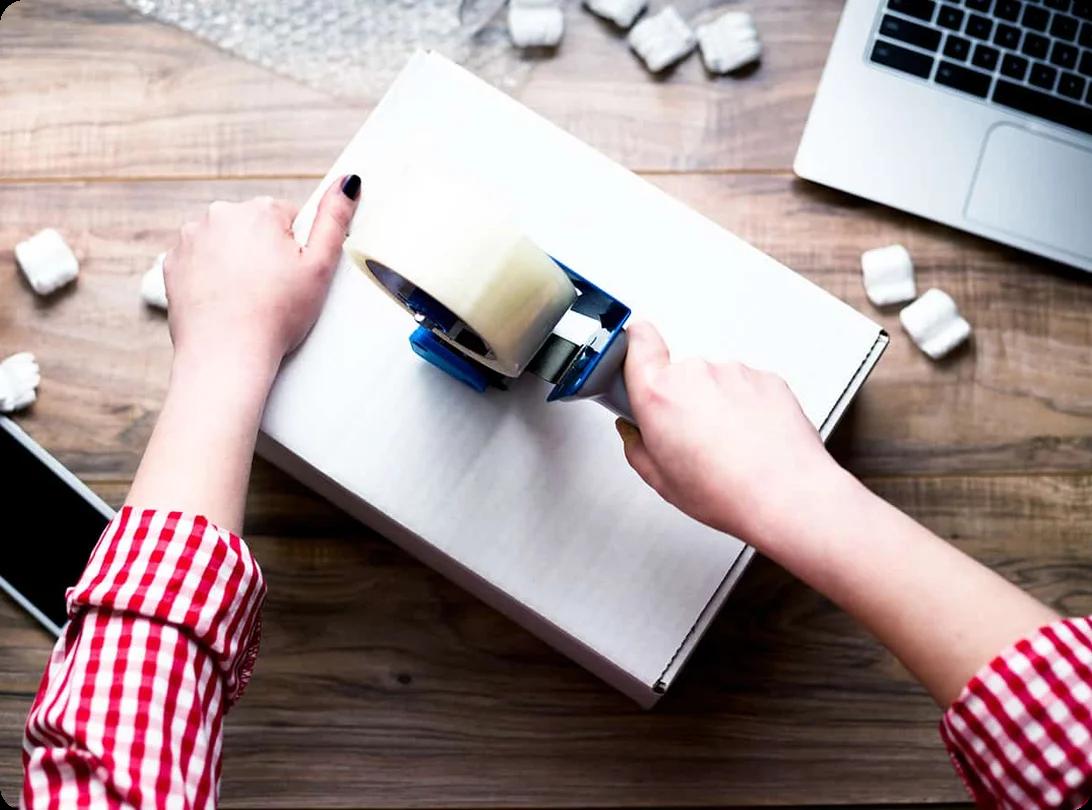
Tape the TV box shut and label it "Fragile" or "Breakable." Keep the box upright as much as possible.

How to Transport a TV Safely

You’re probably already well aware that a misstep or bump while handling your TV can cause scratches, dents, and loose electrical components. A drop can even shatter the screen. But don’t panic! By following certain steps, you can learn how to transport your TV safely.

Protect Your TV Before Loading

Don't just unplug your TV and stick it on the moving truck. As we outlined earlier, your TV should be surrounded by bubble wrap or foam, then covered by a box or moving blankets.

Keep Your TV Upright

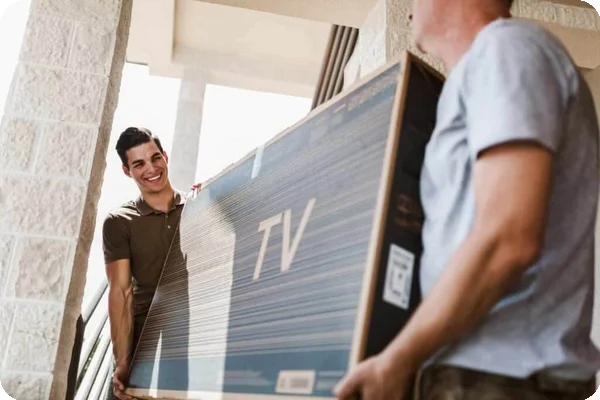
two men carry a flatscreen tv through a doorway

Despite the name, your flat-screen TV should never lie flat. Place your TV upright in the moving truck, as setting it flat can put excessive pressure on the screen, which can cause it to crack or shatter. A flat TV may also be more likely to break if a moving box falls on it during the drive. Label the moving box with "Please place upright" or something similar to help keep your TV safe while movers are loading and unloading it.

Choose the Right Spot for Transport

A TV should never be crammed in a trunk or tied on top of your vehicle. Set your upright TV between flat, sturdy boxes so it doesn't slide around the moving truck.

"Remember to remove your Roku or other streaming device from the TV and pack your remote control separately, and be sure to clearly label any boxes and bags these accessories go into."

For additional protection, secure your packed TV with straps or surround it with moving blankets.

Drive Mindfully

You should always drive carefully in a moving truck, but this is especially not the time to race through yellow lights or slam on the brakes at stop signs. Drive slowly and carefully with your TV in the truck.

Unload Your TV Right Away

Severe weather, such as frigid temps or high heat, can damage your TV. Avoid leaving it in the moving truck for longer than necessary. If you're traveling a long distance, use a climate-controlled vehicle or run the HVAC system while you drive.

Learn more on our How to Pack Hub.


FAQs About Moving a TV

Recent Articles

A person frantically packing boxes during a last-minute move with a calendar showing the urgent move date

Last Minute Moving: Our Checklist for Getting Out in a Hurry

Packing

Planning to move soon? Like, really soon? Last-minute moving can cause panic, no matter the reason. Maybe an emergency happened, and you have to relocate quickly, or you're offered an exciting job opportunity that... Read More

Kitchen drawer organizer filled with utensils being prepared for packing into a moving box

How Do I Pack Kitchen Utensils?

Packing

Unlike your couch or dresser with four tiers of drawers, kitchen utensils and silverware are small might seem like they're easy things to move to your new home. They're small, light, and typically not very... Read More

an image of a queen mattress on a wooden floor

Packing a Queen Mattress: The Plan vs. Reality

Packing

Every day, people search for advice on moving a mattress because they are bulky, awkward, and easy to damage. So if you’re searching for answers on how to get yours out the door, you’re not alone.

Knowing how to... Read More

A woman sets down an item into a box. The angle of the shot is from the bottom of the box pointing upwards, so it looks as through the woman is reaching towards the camera

What Should You Pack First When Moving?

Packing

The short answer to what you should start packing first is to pack things you don’t use daily. If it can sit in a box for a few weeks without disrupting your routine, it can be packed early. Items in garage... Read More

College student moving into a dorm

How to Pack for College: Complete Dorm Packing Guide

Packing

Getting ready for your first year is thrilling, but it is so easy to bring way too much stuff. To pack for college efficiently, double-check your dorm’s rules, coordinate with your roommate, and follow a... Read More

A woman holding multiple rolls of clear packing tape and a tape dispenser

The Best Type of Packing Tape to Use When Moving

Packing

If you browse office and craft store aisles, you'll find dozens and dozens of tape options. While they all serve a purpose, most aren't ideal for packing. The best packing tape to use when you move is a product... Read More