How Professional Photographers Prepare to Move Photography Equipment
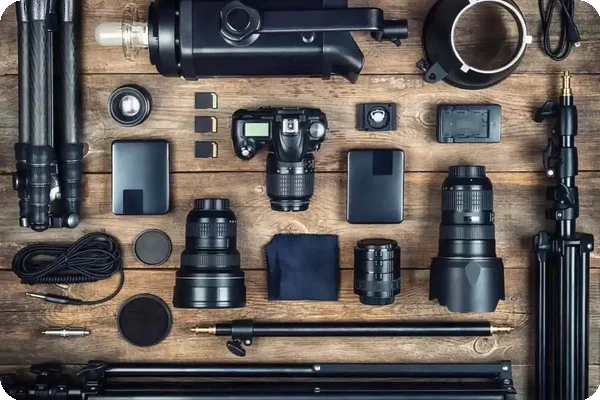
Whether you’re planning to move your photo studio somewhere permanent or just temporarily, the pros advise you to create a detailed moving plan anytime your equipment is transported anywhere.
Back Up and Secure Digital Assets
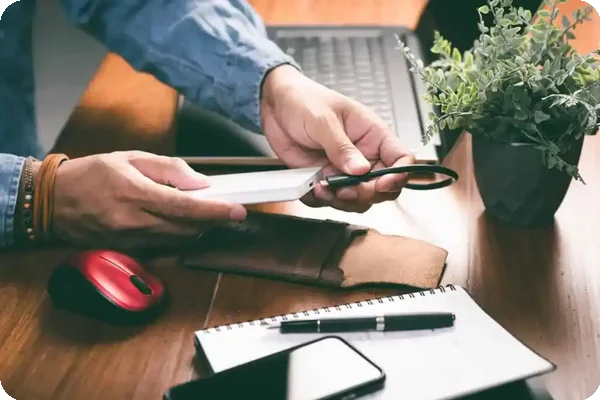
Before you unplug a single cord, back up your digital assets. Then, back them up again.
Client files, editing presets, and project archives are the lifeblood of your photography business. Losing them during a move could mean delays, broken contracts, and lost trust. The safest route? Back up everything to both a cloud storage service and an external hard drive. Redundancy is your friend here.
Cloud services like Google Drive, Dropbox, or Backblaze offer offline security and easy access from anywhere. But you should also invest in an external hard drive or SSD that stays with you during the move.
When packing your tech — laptops, monitors, or external drives — treat them with the same care you give your cameras. Use original boxes if you still have them, or wrap each item in anti-static foam or padded sleeves. Label cables and accessories clearly. You don’t want to waste hours untangling mystery cords later.
Give Your Photo Equipment Its Own Packing Day
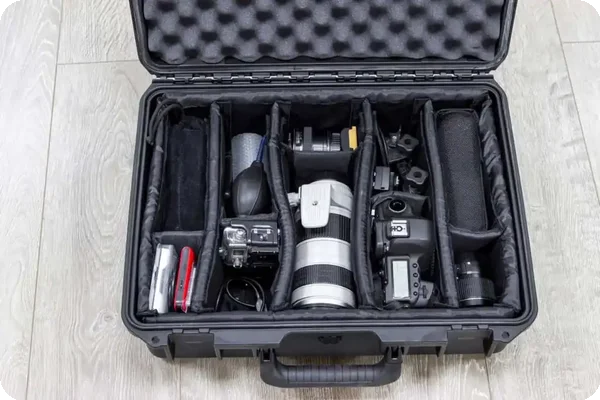
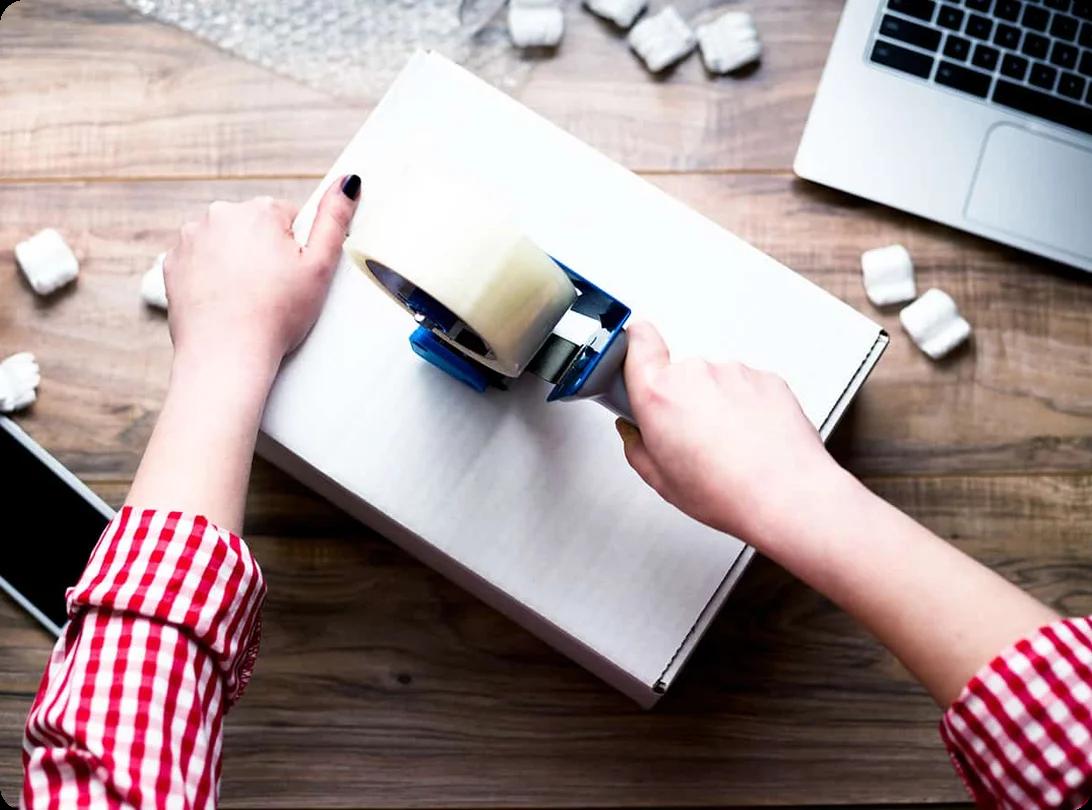
When you decide to move, give yourself plenty of time to pack your equipment carefully. “It’s always better to be safe than sorry. Take your time packing your equipment and triple-check your gear,” says Brianna Bray. She recommends relegating your photo studio packing to its own day.
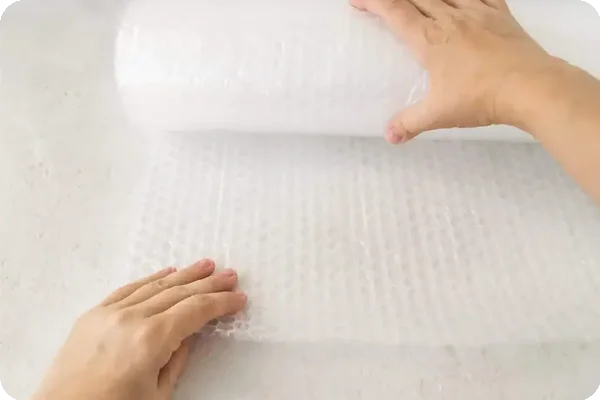
If you have glass or other delicate items, check out these tips for packing fragile items.
Write Down Important Measurements
If you have any large photo equipment in your studio — or just a lot of it —write down the height and width of your largest equipment and the dimensions of your new location. If you don't have the measurements of the new area, ask your realtor to help you get them. If this isn’t possible, research storage units in the area so you have a backup plan in case something doesn’t fit.


 Karen BodkinAug 28, 2026